

Problem
In a common setup, one host runs many containers and forwards DNS to a network resolver like Pi-hole or AdGuard Home. Without per-container DNS routing, queries from all containers are grouped together in one bucket. That makes malicious or abnormal lookups harder to trace to a single service.Solution
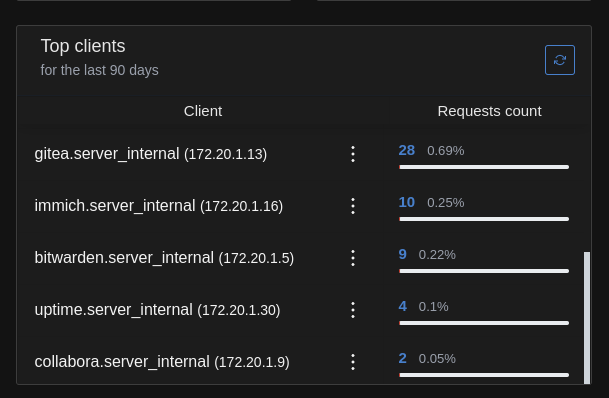
Run one AdGuard Home container as the DNS endpoint for your other containers.Then point reverse DNS upstream to the Docker DNS on the host, so container names appear instead of raw IPs.
Create bridge network with static subnet
Create a bridge network with a static subnet for your stack.
docker-compose.yaml
AdGuard Home configuration
Complete initial setup on port13000, then use port 13080 for the web UI.
General settings
Go to Settings > General settings.- Block domains using filters and hosts files: disabled
- Enable log: enabled
- Query logs rotation:
90days - Ignored domains:
||your-private-domain.tld^ - Enable statistics: enabled
- Statistics retention:
90days - Ignored domains:
||your-private-domain.tld^
DNS settings
Go to Settings > DNS settings.- Upstream DNS servers:
127.0.0.11 - Private reverse DNS servers:
127.0.0.11:53 - Use private reverse DNS resolvers: enabled
- Rate limit:
0